
windowns下编译libbde
libbde用于访问 BitLocker 驱动器加密 (BDE) 加密卷的库和工具。
下载网址:https://github.com/libyal/libbde 如何编译:https://github.com/libyal/libbde/wiki/Building
一、Windons下编译
1、系统要求:windowns10以上(经测试windowns7编译会有问题)
2、安装Cygwin和Cygwin安装必要的软件包
下载地址:https://cygwin.com/setup-x86_64.exe
autoconf

automake

binutils

gcc-core

gcc-g++

gettext-devel

libiconv

libtool

make

pkg-config

libssl-devel (optional but recommended, can be disabled by --with-openssl=no)
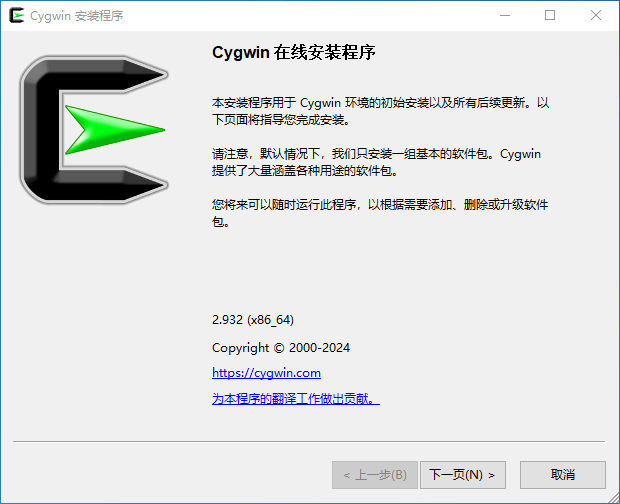
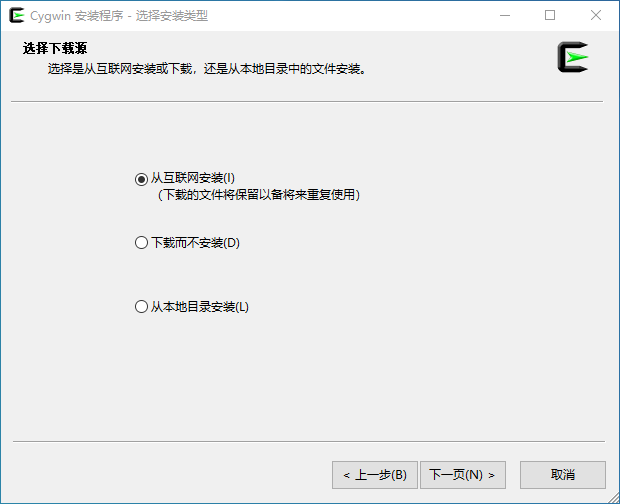
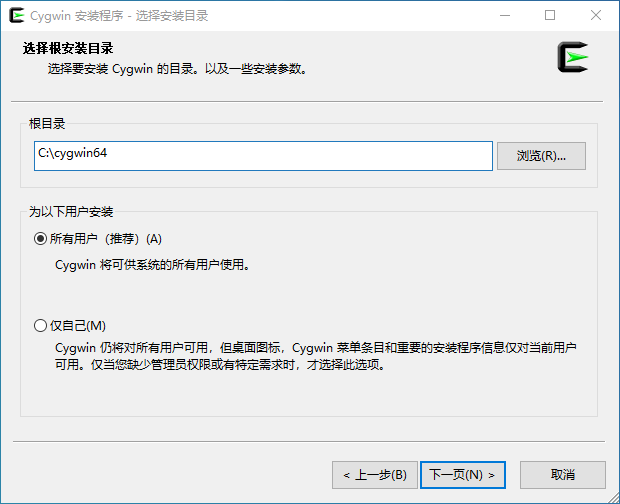
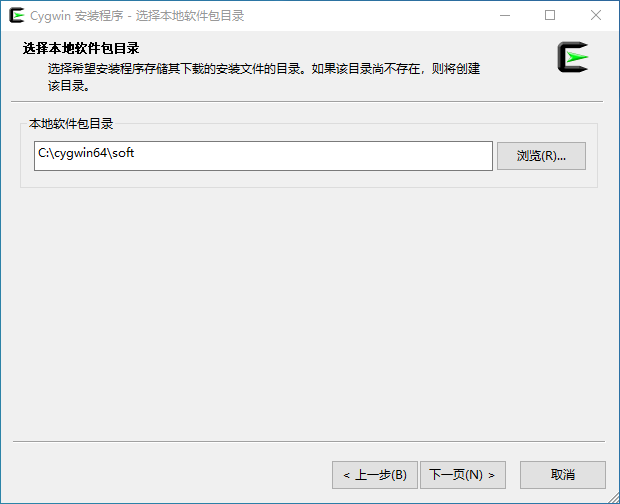
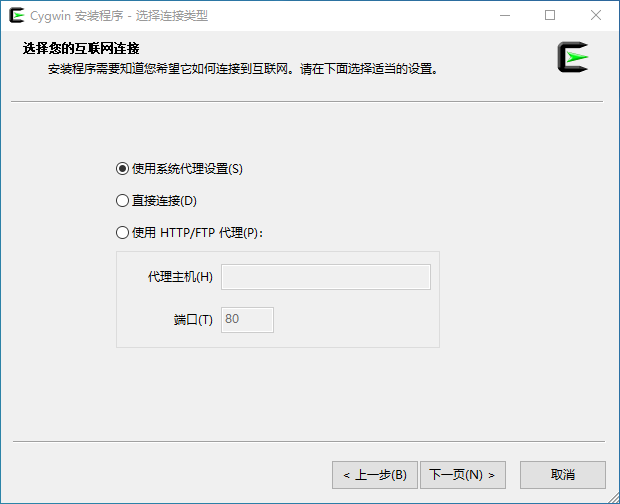
这一步注意选择国内镜像进行下载
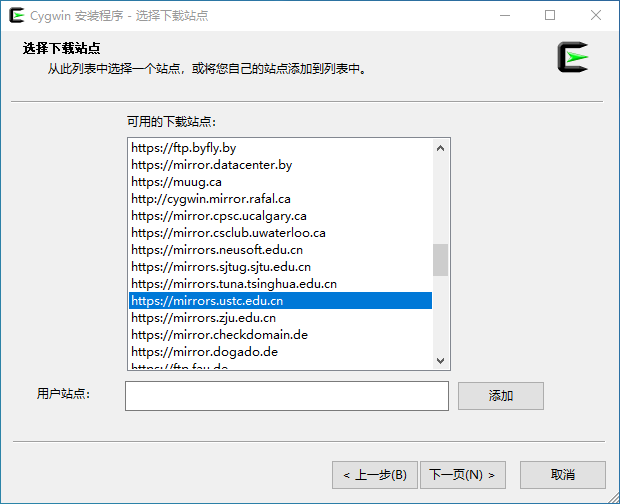
在这一步安装需要额软件包
3、编译
使用命令编译,注意同步库依赖项:
mingw32-configure --prefix=/opt/local/i386-mingw32 --enable-winapi=yes --enable-static-executables=yes

mingw32-make
如果mingw32-confiure和mingw32-make不可用,您可以使用以下方式构建它:
./configure --host=i386-mingw32 --prefix=/opt/local/i386-mingw32 --enable-winapi=yes --enable-static-executables=yes

make
为了能够在构建系统以外的其他系统上使用DLL和得到的bdemount.exe、bdeinfo.exe,需要提供cygwin1.dll,这三个文件在\bdetools文件夹下。
编译好的文件下载:
libbde-20240502.zip -> libbde-20240502.zip
libbde-20240223.zip -> libbde-20240223.zip
bdeinfo.exe -> bdeinfo.exe
bdemount.exe -> bdemount.exe
cygwin1.dll -> cygwin1.dll
https://cloud.189.cn/web/share?code=n2Y7zayQfyMj(访问码:lb0b)
二、debian系统下编译
1、安装必要的软件包
sudo apt install autotools-dev build-essential debhelper dh-autoreconf dh-python fakeroot pkg-config libssl-dev libfuse-dev python3-dev python3-setuptools git autoconf automake autopoint libtool
#构建 libbde Debian 包的依赖
sudo apt-get install devscripts debhelper fakeroot dpkg-dev
# 如果需要 Python 支持
sudo apt-get install python3-all python3-setuptools
2、编译
注意!不能直接configure、make这样编译。
如果不同步库依赖项“./synclibs.sh”,并且不让自动工具生成必要的文件“./autogen.sh”,那么来自git仓库的源代码将无法正常工作。
git clone https://github.com/libyal/libbde.git
cd libbde/
./synclibs.sh # 同步库依赖项
./autogen.sh # 自动运行 autoreconf -ivf 等

./configure # 添加选项./configure --enable-python --enable-verbose-output --enable-debug-output
./configure --prefix=/usr # 默认安装在/usr/local目录下。想将其更改到例如/usr目录,添加配置选项--prefix=/usr
make #编译
sudo make install #安装
2、编译debian安装包
运行命令:
cp -rf dpkg debian
dpkg-buildpackage -rfakeroot
如果遇到错误:
dpkg-source: error: can't build with source format '3.0 (quilt)': no upstream tarball' found at ../libmapidb-<version>.orig.tar.{bz2,gz,lzma,xz}
在libdde文件夹的父目录下运行:
tar --exclude='.git' --exclude='libbde/debian' -czf libbde_20251219.orig.tar.gz libbde
20251219是版本号。
如果遇到错误:
dpkg-shlibdeps: error: no dependency information found for /lib/x86_64-linux-gnu/libfuse.so.2 (used by debian/libbde-tools/usr/bin/bdemount)
Hint: check if the library actually comes from a package.
dh_shlibdeps: error: dpkg-shlibdeps -Tdebian/libbde-tools.substvars debian/libbde-tools/usr/bin/bdeinfo debian/libbde-tools/usr/bin/bdemount returned exit code 255
dpkg-shlibdeps: error: no dependency information found for /lib/x86_64-linux-gnu/libc.so.6 (used by debian/libbde-python3/usr/lib/python3/dist-packages/pybde.so)
Hint: check if the library actually comes from a package.
dh_shlibdeps: error: dpkg-shlibdeps -Tdebian/libbde-python3.substvars debian/libbde-python3/usr/lib/python3/dist-packages/pybde.so returned exit code 255
dpkg-shlibdeps: error: no dependency information found for /lib/x86_64-linux-gnu/libcrypto.so.3 (used by debian/libbde/usr/lib/x86_64-linux-gnu/libbde.so.1.0.0)
Hint: check if the library actually comes from a package.
dh_shlibdeps: error: dpkg-shlibdeps -Tdebian/libbde.substvars debian/libbde/usr/lib/x86_64-linux-gnu/libbde.so.1.0.0 returned exit code 255
dh_shlibdeps: error: Aborting due to earlier error
make: *** [debian/rules:10: binary] Error 2
dpkg-buildpackage: error: fakeroot debian/rules binary subprocess returned exit status 2
确认依赖libfuse-dev、libssl-dev 、libc6-dev是否已安装,且运行命令sudo dpkg -S /lib/x86_64-linux-gnu/libfuse.so.2输出:
dpkg-query: warning: files list file for package 'liveupdate' missing; assuming package has no files currently installed
libfuse2:amd64: /lib/x86_64-linux-gnu/libfuse.so.2
那么运行命令dpkg-buildpackage -rfakeroot时加上sudo。
生成后的文件在libdde的父文件夹里:
ls -l lib*
-rw-rw----+ 1 root    root     8582 Mar  5 22:57 libbde_20251219-1_amd64.buildinfo
-rw-rw----+ 1 root    root     3889 Mar  5 22:57 libbde_20251219-1_amd64.changes
-rw-r-----+ 1 root    root   400880 Mar  5 22:57 libbde_20251219-1_amd64.deb
-rw-rw----+ 1 ranvane Users    2020 Mar  5 22:56 libbde_20251219-1.debian.tar.xz
-rw-rw----+ 1 ranvane Users    1308 Mar  5 22:56 libbde_20251219-1.dsc
-rw-rw----+ 1 ranvane Users 1493300 Mar  5 22:53 libbde_20251219.orig.tar.gz
-rw-r-----+ 1 root    root   244160 Mar  5 22:57 libbde-dbg_20251219-1_amd64.deb
-rw-r-----+ 1 root    root   675884 Mar  5 22:57 libbde-dev_20251219-1_amd64.deb
-rw-r-----+ 1 root    root   325664 Mar  5 22:57 libbde-python3_20251219-1_amd64.deb
-rw-r-----+ 1 root    root   170580 Mar  5 22:57 libbde-python3-dbg_20251219-1_amd64.deb
-rw-r-----+ 1 root    root    74712 Mar  5 22:57 libbde-tools_20251219-1_amd64.deb
-rw-r-----+ 1 root    root   121736 Mar  5 22:57 libbde-tools-dbg_20251219-1_amd64.deb
创建仅含Python绑定的构建:
python setup.py build
sudo python setup.py install # 不推荐
pip wheel . -w dist # dist目录下获得libbde_python-20251219-cp311-cp311-linux_x86_64.whl文件

python3 -c "import pybde; print(pybde.get_version())" # 验证安装是否有效
编译好后的文件(python3.11)下载: